
Macros in games: what's the risk of a ban and how to reduce it
Using macros in a game can lead to penalties depending on its rules. Which factors increase the risk, how to find out beforehand and what Game Mode does.
You want to automate a repetitive task in a game, such as gathering, selling or repeating a combo, and you start to wonder: can I get penalized for this? It's a reasonable question. Talking about game macros and bans calls for honesty, because the answer depends more on the game than on the program you use. In this article you'll see what the risk depends on, how to find out beforehand and what Macro Quantic Pro's Game Mode offers, without promises nobody can keep.
Short answer: yes, there's a risk
Using macros in a game can lead to a penalty, from a warning to the account being closed. It depends on each game's rules and on how its developer enforces them.
No macro program can guarantee that a game allows it. Nor that you won't get a penalty. The game decides what's allowed, not the tool. That's why the first step is always to read its rules.
What affects the risk
Several factors make the risk higher or lower:
- The game's rules. Some games forbid any automation; others tolerate it in certain cases. This is the factor that matters most.
- Whether it's competitive and online. In a game where you compete against other people, automating actions gives you an advantage over them. That's where the rules tend to be strictest.
- Whether it uses an anti-cheat system. Many online games have systems that watch for abnormal behavior.
- The speed and regularity of the actions. Prima Games explains, regarding auto clickers in Roblox, that clicking at extreme speeds for hours draws more attention than moderate use. Even so, the same source insists that a penalty is possible.
- Simulating input or modifying the game. According to allthings.how, a macro recorder only simulates the keys and clicks you would make by hand. Script "executors", on the other hand, inject code into the game and change how it works, which that source considers higher risk.
None of these factors makes a macro "safe". They only help explain why some cases are more delicate than others.
How to find out beforehand
The most effective way to reduce the risk is not to use macros where they aren't allowed. To find out:
- Read the game's terms. Look in the terms of use or the code of conduct for words like "macro", "automation" or "third-party software".
- Check the official support and forums. If the rules aren't clear, ask directly. An official answer is worth more than another player's experience.
- Start with non-competitive games. In single-player games or games without rankings, a macro doesn't harm anyone, and it's more likely to be tolerated. Even so, check their rules.
- Keep the answer. If support confirms in writing that a macro is allowed, keep that message. Rules can change over time, so check them again after every major game update.
If a game forbids macros, the responsible decision is not to use them in it. And if it allows them only for certain things, use them only for those things.
Common technical errors
Besides the rules, there are technical problems that make macros fail in games. According to allthings.how, the most common are:
- The window moved or the resolution changed. The macro clicks on coordinates that no longer match what's on screen.
- The PC went to sleep. If the computer goes to sleep, the macro stops.
- The window lost focus. If another window comes to the front, keys and clicks end up somewhere else. Many games also don't receive input when they're minimized.
Check these points before assuming the macro was recorded badly. A few simple measures help:
- Keep the game in the foreground while the macro plays and don't open other windows on top.
- Play at the same resolution you recorded with. If you change monitor or display mode, record again.
- Check Windows power options if the session will be long, so the computer doesn't go to sleep halfway through.
- Always know how to stop. In Macro Quantic Pro,
Alt+F7stops playback.
What Macro Quantic Pro's Game Mode offers
Since version 2.0, Macro Quantic Pro includes a Game Mode to use macros in the games you choose.
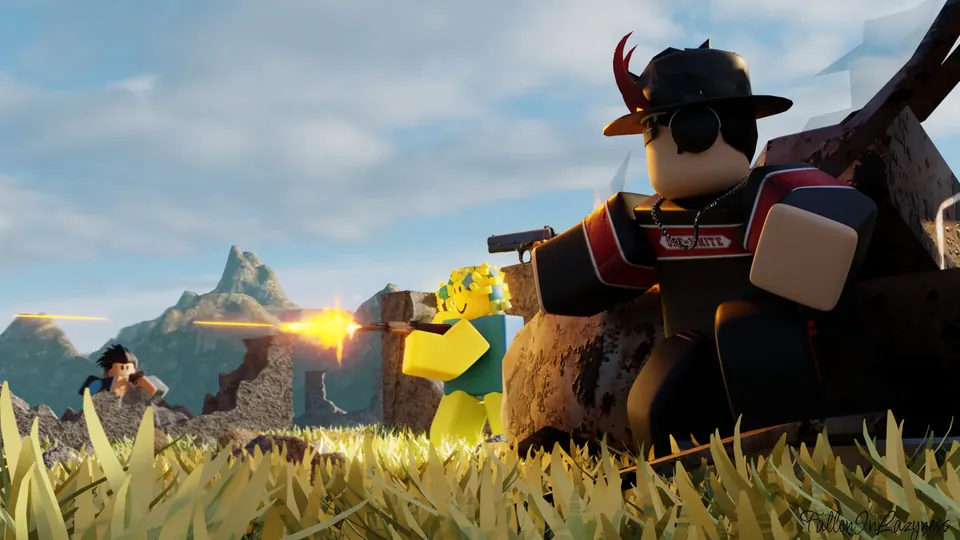
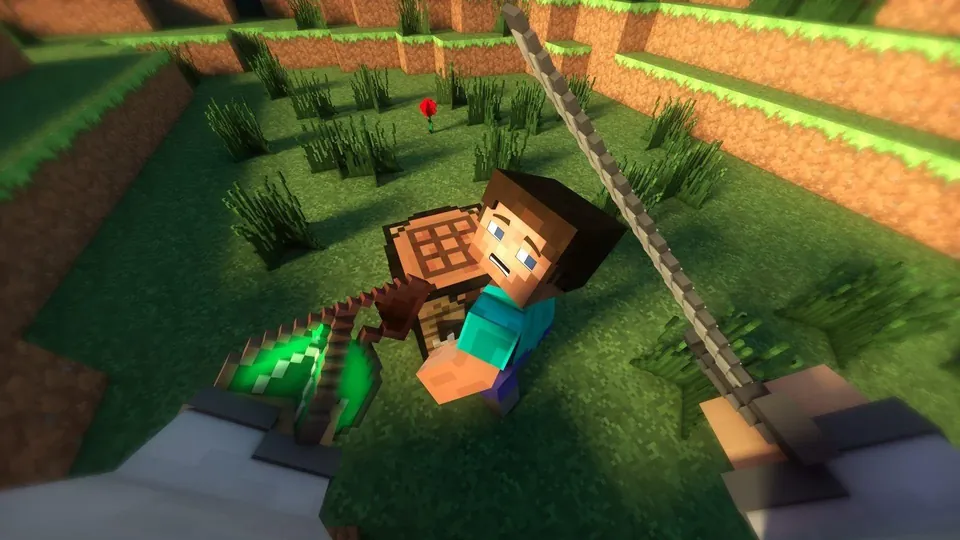
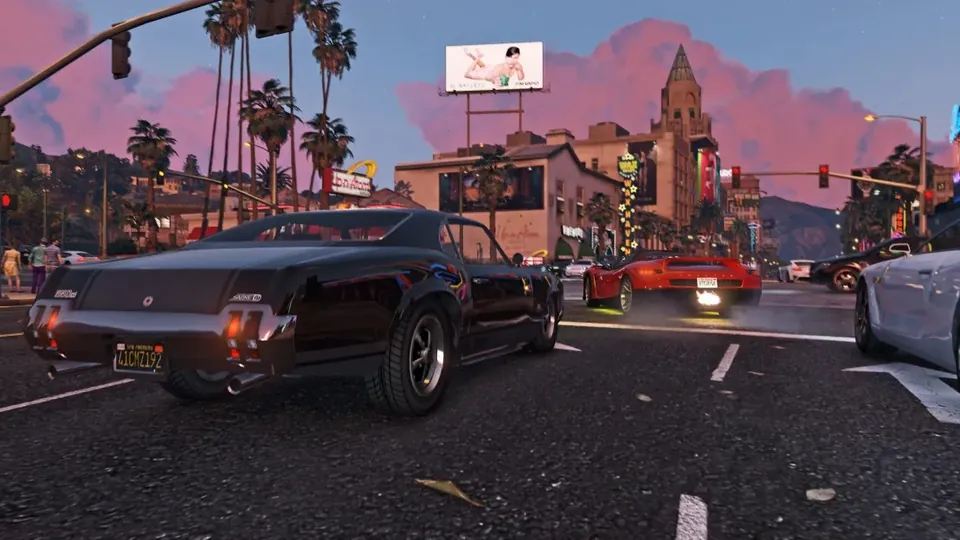
- Overlay panel. A floating panel, the overlay, appears over the game so you can record, play your macros and run combos without leaving the match.
- Game library. You can import your games from Steam and the Microsoft Store, or add any other game by hand.
- Auto-combos. Record a combination of keys and clicks and, in game, pressing the first key runs the whole sequence at the recorded pace.
- Per-game settings. Each game has its own key to show or hide the panel, adjustable transparency and the option to always show FPS.
On the Free plan, the panel can be used for 1 hour of play, followed by 1 hour of waiting. With the free trial or a paid plan there's no such limit. You'll find the details on the pricing page.
It's worth repeating: using macros is each player's responsibility and must respect each game's rules. Macro Quantic Pro isn't designed for competitive online games where macros are forbidden, and we don't recommend using it in them.
Conclusion
Using macros in games carries a risk, and that risk is set by each game's rules. The sensible thing is to find out beforehand, avoid competitive online games and keep macros for repetitive tasks in games that allow them. A good tool helps you automate, but it doesn't change what the rules say.
If you decide to try it
If you play titles that allow macros, you can download Macro Quantic Pro for free from the Microsoft Store. If you have questions about the program, the support team can help you.
Frequently asked questions
Can I get banned for using macros?
Yes, if the game's rules forbid it. The risk depends on the game, on whether it's competitive and online and on whether it has an anti-cheat system. No program can guarantee that you won't get a penalty.
Is an auto clicker the same as a script?
No. An auto clicker or a macro recorder simulates clicks and keys as if you were making them. An executor script injects code into the game and changes how it works. According to allthings.how, the latter carries more risk, but both may be forbidden.
How do I know if a game allows macros?
Read its terms of use and code of conduct, and check the game's official support or forums. If it isn't clear, ask before using them.
Can Game Mode be used with any game?
You can add any game to the library: Steam and Microsoft Store games are imported, and the rest are added by hand. Whether using macros in it is allowed depends on each game's rules. [VERIFY: whether the overlay shows up in exclusive full-screen games]
Sources
- Prima Games: Can You Get Banned For Using An Auto Clicker In Roblox? – Answered
- allthings.how: How to set up an AFK macro in Grow a Garden 2