NEW Version 2.0: Game Mode and Heliot, your AI assistant, are here Discover it

Macro recorder for Windows 10 and 11 Record once.
Repeat forever.

Macro Quantic Pro records your clicks, what you type and your shortcuts, and repeats them for you at the same pace. Automate repetitive tasks on Windows without writing a single line of code.

  • Free on the Microsoft Store
  • No account
  • 7 days of Starter, no card
How it works

Create your first macro
in 3 steps.

Do the task once while Macro Quantic Pro records it. From then on, it repeats it for you as many times as you need.

  1. 1Record

    Press Record (or Alt + F9) and do the task as usual: clicks, text, shortcuts and scrolling. The time between actions is saved too.

  2. 2Save

    Stop recording and your macro lands in your library. Name it, sort it into folders or export it to use on another PC.

  3. 3Play

    Run it with a click, with Alt + F8 or at the time you schedule. Faster, slower or in a loop.

Features

It doesn't replay coordinates.
It repeats what you did.

An ordinary macro recorder always clicks the same spot on the screen, even if the window has moved. Macro Quantic Pro remembers what you clicked and looks for it before clicking.

Starter, Pro and Enterprise

Smart mode: hits the target even when the screen changes

If a window moves, a button changes size, a list gets reordered or something is slow to load, Macro Quantic Pro finds it and clicks where it should. Your macros stop breaking over a small detail.

  • Windows and buttons that move
  • Buttons that change size
  • Lists that get reordered
  • Buttons that are slow to appear

Playback at the exact pace

Each action is repeated with the same interval you recorded it with. And if you like, faster (up to 10×) or slower.

Automate the web too

Record forms and online errands in its built-in browser. It finds each field by what it is, not by its position, and waits for the page to load.

OCR robots that read the screen

They watch an area of the screen and, when the text you choose appears, they run your macro. Recognition happens on your PC.

Scheduled tasks

Schedule a macro once, daily, weekly or when your PC starts. It works even if you close the window: it keeps running in the system tray.

Your data, on your computer

Your macros, what you type and what the robots read are stored on your PC. You don't need an account to get started.

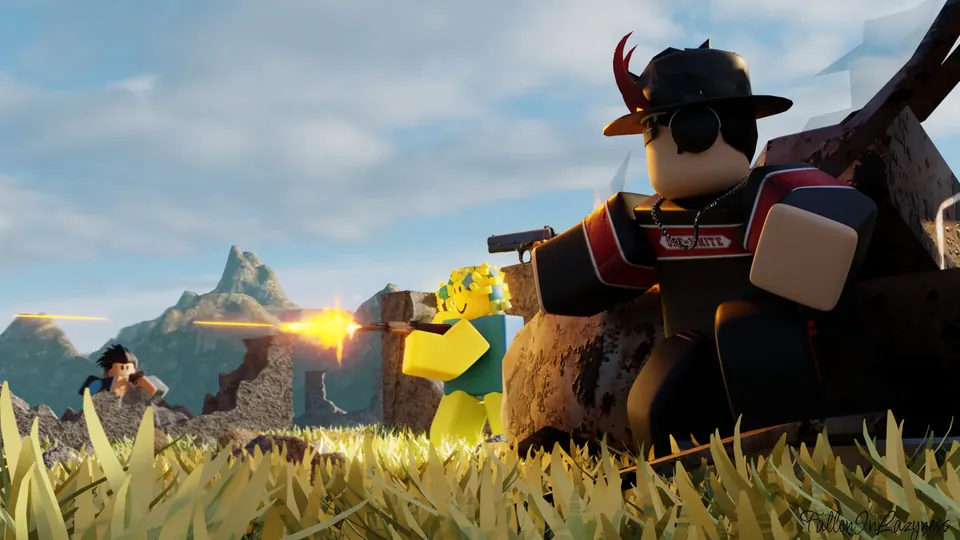
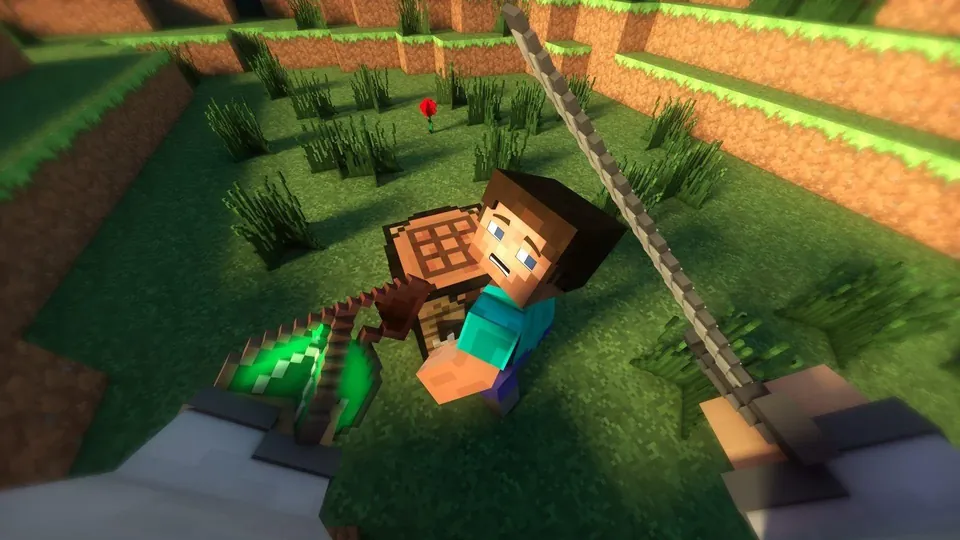
NEWGame Mode

Macros for games,
without leaving the game.

Open your games from Macro Quantic Pro and control your macros with a panel that stays on top of the game: record, play and fire combos without switching windows.

  • Your library in one click

    Import your games from Steam and the Microsoft Store, or add any other by hand.

  • Auto-combos

    Record a combination of keys and clicks; it replays at its exact pace when you press the first key.

  • Record mid-game

    See every key, click and camera movement live while you record.

  • Your way

    Its own shortcut per game to open the panel, adjustable transparency and an FPS counter.

AI assistant

Ask Heliot.
And let it do it.

Heliot is the assistant built into the program. It answers your questions about Macro Quantic Pro and, if you ask, does the work for you.

  • Answers about your program

    Why does a macro fail? How do I schedule it? It answers and takes you to the right screen.

  • Acts for you

    It plays macros, starts recording, creates tasks or imports your games with a single sentence.

  • You're in control

    In Manual mode it asks for permission before each action. You can also talk to it with your microphone.

Who it's for

If you repeat it, it can be automated.

Office

  • Reports and spreadsheets you fill in every day
  • Copying data from one program to another
  • Repetitive web forms

Games

  • Combos at the exact pace
  • Long routines repeated in a loop
  • All from the panel, without leaving the game

Software testing

  • Repeat identical UI tests
  • Replay them after every change
  • Schedule nightly tests

Your everyday life

  • Open your programs when the PC starts
  • Weekly online errands
  • Any task you do by hand today
Pricing

Start free.
Pay only if you need it.

No commitment: change plans or cancel anytime from your customer portal.

Free

To start automating, no account needed.

$0.00forever
  • 60 min of playback; once used up, a 60-min wait
  • 1 OCR robot and 2 scheduled tasks
  • Game Mode: 1 h of panel, then a 1 h break
  • Heliot assistant included
See plan details

Starter

Play back as much as you want, no waiting.

$4.62/month
  • Unlimited playback
  • Smart mode
  • Unlimited Game Mode panel
  • 1 OCR robot and 2 scheduled tasks
  • 30-day money-back guarantee
See plan details

Enterprise

For teams that automate every day.

$57.82/month
  • Everything in Pro
  • Up to 5 computers activated at once
  • Priority supportReply within 4 hoursMonday to Friday
  • Remote setup and training via AnyDesk
See plan details
  • Secure payment
  • No commitment
  • 30-day guarantee on every paid plan

Don't take our word for it.
Try it.

Download it free from the Microsoft Store and automate your first task today. No account, no card.